Lite Cleaner
Clean up your Mac storage effortlessly.
A powerful Mac cleaner with special support for development artifacts like node_modules, .next, and Pods.
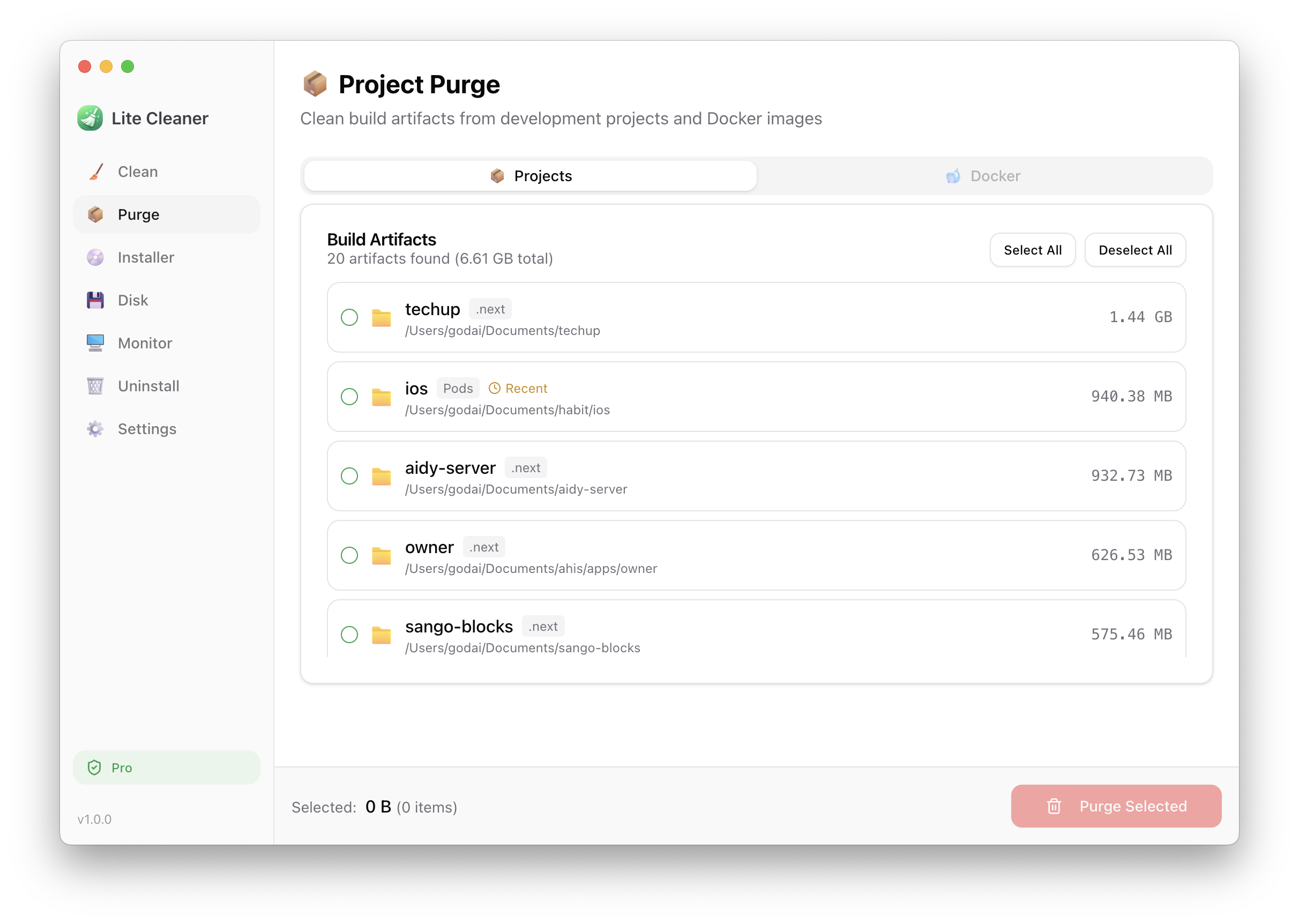
Clean up these build artifacts with Lite Cleaner:
Project Purge
Automatically scan your entire disk for development build artifacts. Delete node_modules, .next, target, Pods, and more with a single click.
- ✓node_modules - npm/yarn/pnpm dependencies
- ✓.next / .nuxt / dist - Build outputs
- ✓Pods - CocoaPods dependencies
- ✓target - Rust/Cargo build artifacts
- ✓Docker - Images, containers, and volumes
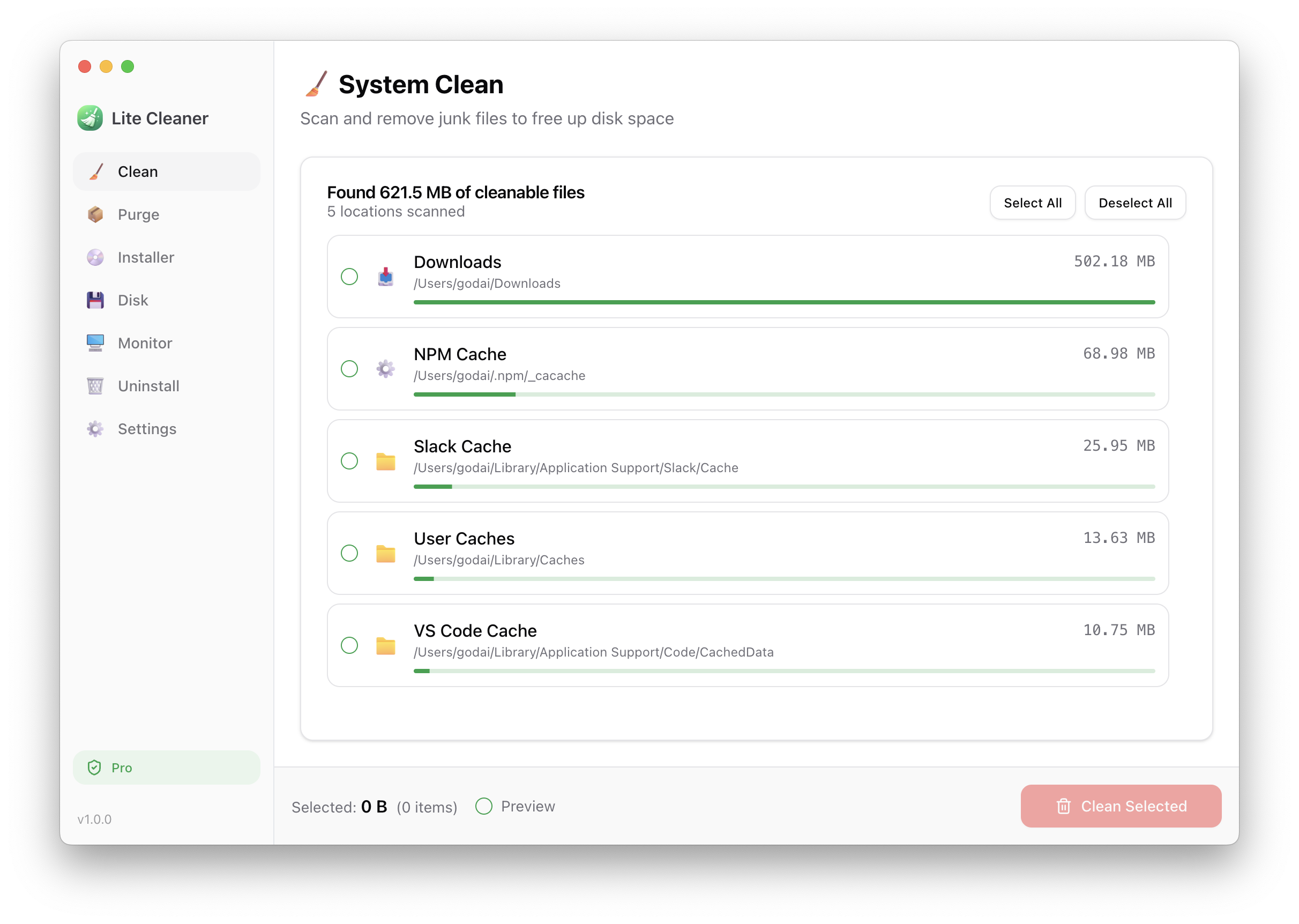
System Clean
Scan and remove junk files to free up disk space. System caches, application caches, logs, and more.
- ✓Application caches and logs
- ✓Browser caches
- ✓Development tool caches (npm, Xcode)
- ✓Downloads folder cleanup
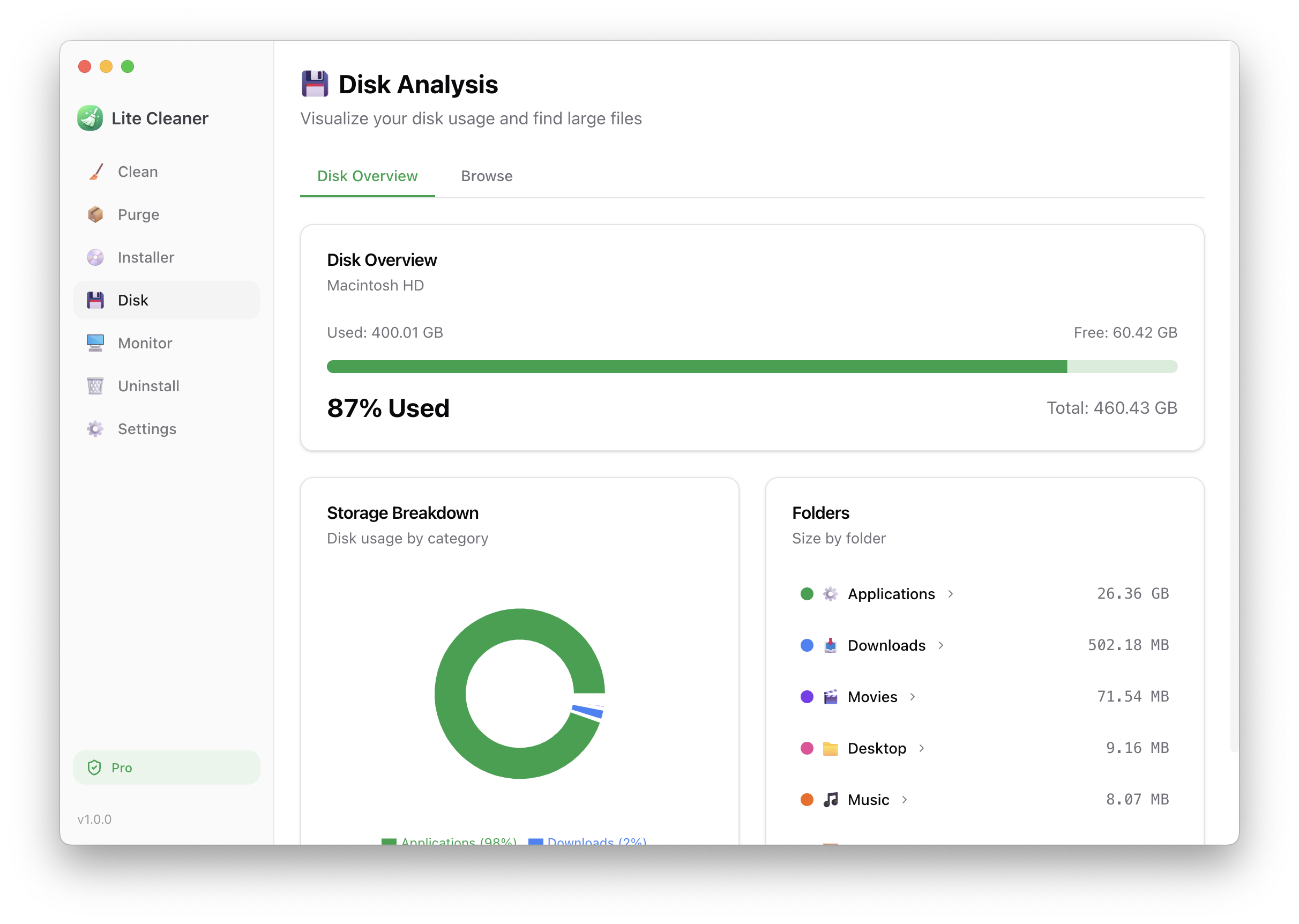
Disk Analysis
Visualize your disk usage and find large files. Interactive charts show storage breakdown by category and folder.
- ✓Visual storage breakdown chart
- ✓Browse folders sorted by size
- ✓Find large files (100MB+)
- ✓Reveal in Finder or delete to Trash
System Monitor
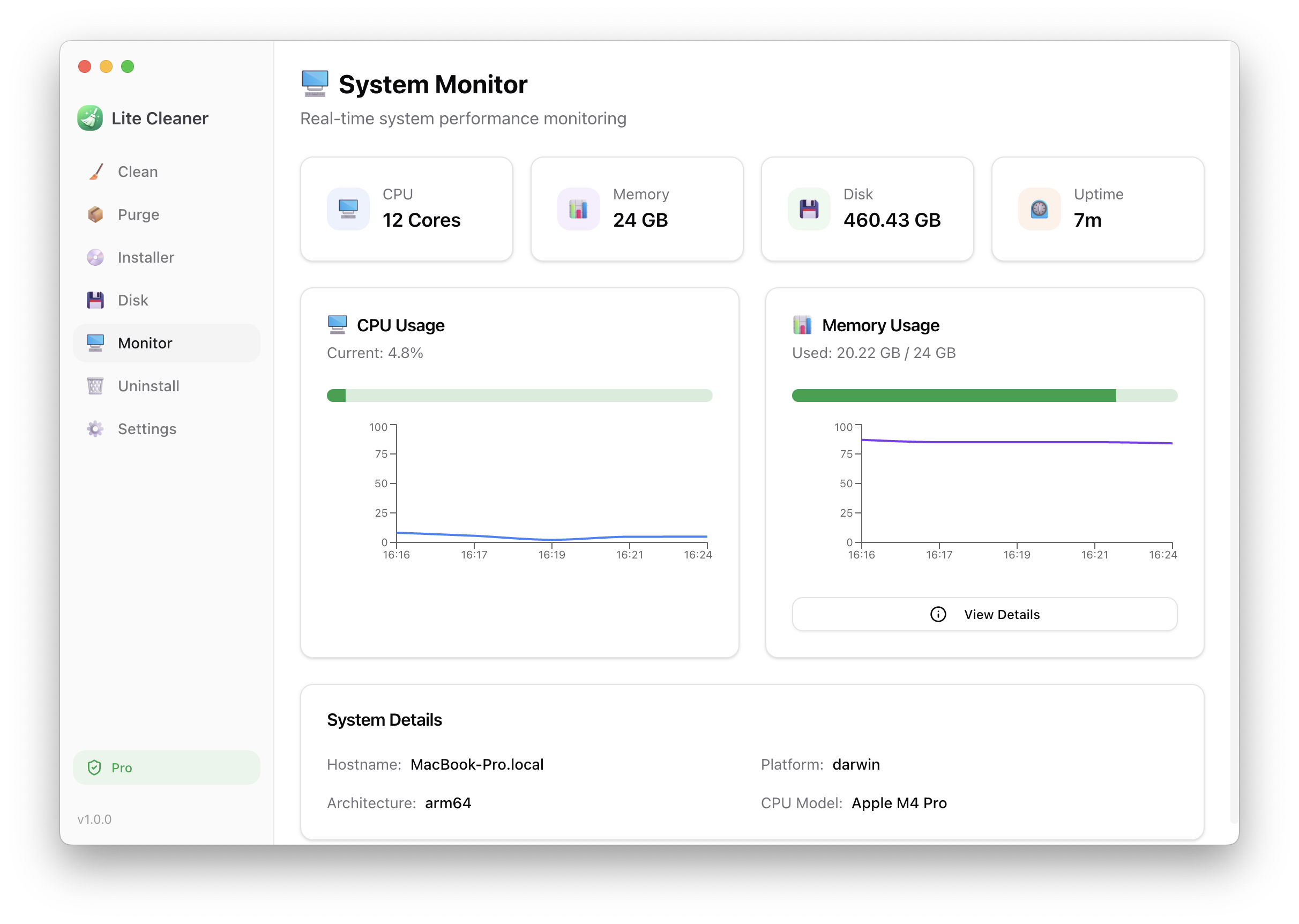
Real-time system performance monitoring. Identify memory-consuming processes and get optimization suggestions.
- ✓CPU and memory usage with live graphs
- ✓See top memory-consuming processes
- ✓Disable Spotlight indexing to save resources
- ✓VS Code optimization suggestions
App Uninstaller
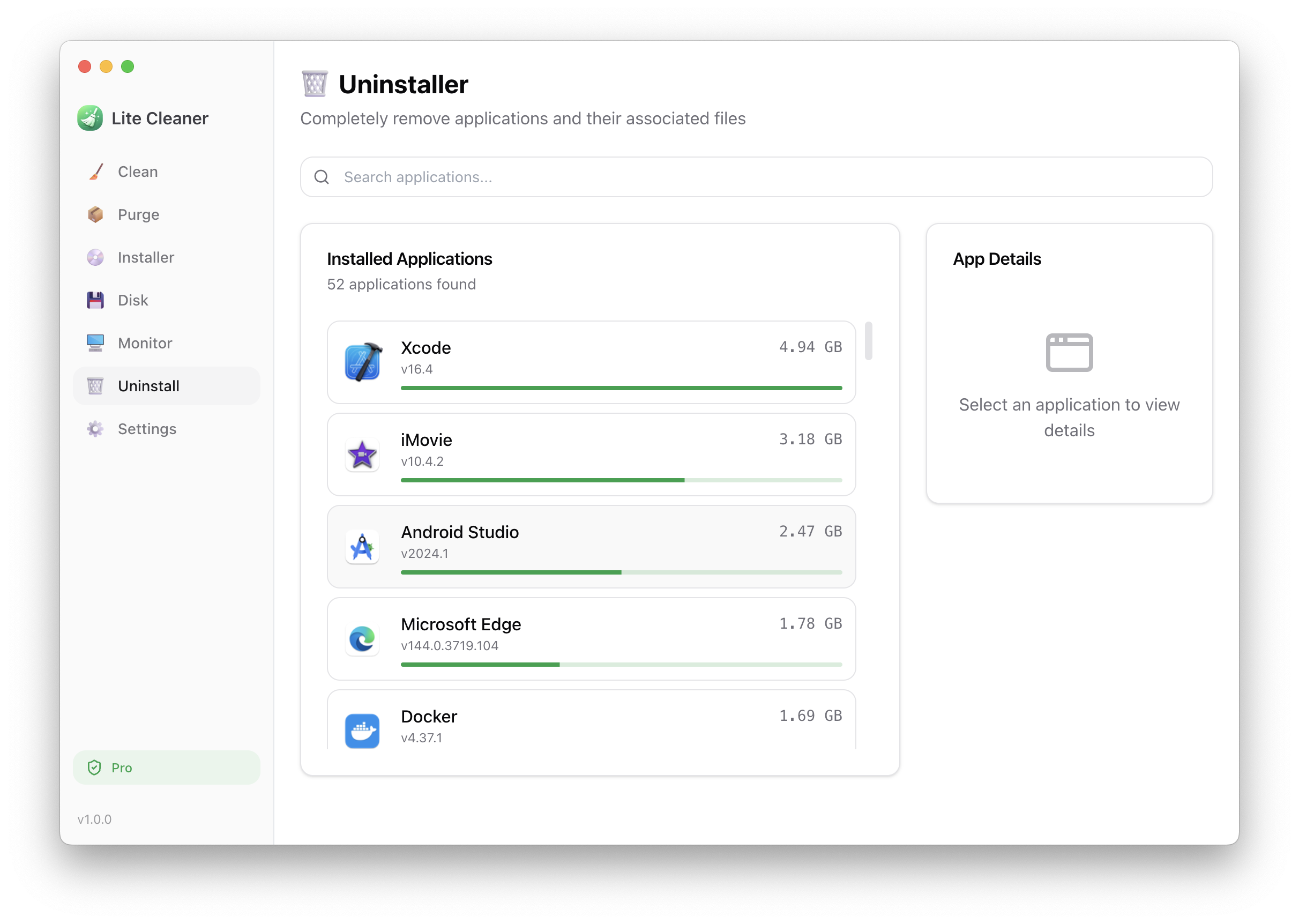
Completely remove apps along with all associated files. Unlike simply moving to Trash, this ensures no leftover files remain.
- ✓Remove apps with all related files
- ✓Detect caches, preferences, and support files
- ✓See app size before uninstalling
- ✓Search and filter installed apps
Free vs Pro
| Feature | Free | Pro |
|---|---|---|
| Scan | Unlimited | Unlimited |
| System Clean | 3 times | Unlimited |
| Project Purge | 3 times | Unlimited |
| Disk Analysis | ✓ | ✓ |
| System Monitor | ✓ | ✓ |
| App Uninstaller | 3 times | Unlimited |
| Future Updates | ✓ | ✓ |
Simple Pricing
One-time purchase. No subscription.
- ✓Unlimited access to all features
- ✓Free future updates
- ✓1 license for 1 Mac
Secure payment powered by Stripe
FAQ
What's the difference between Free and Pro?▼
The free version allows you to use each feature (Clean, Purge, Uninstall) up to 3 times total. Pro gives you unlimited access to all features.
What build artifacts can Project Purge remove?▼
Project Purge can remove node_modules, .next, dist, target (Rust), Pods (CocoaPods), build folders, and Docker images/containers. It automatically scans your entire disk for these artifacts.
How many Macs can I use with one license?▼
One license is valid for one Mac at a time. You can transfer your license to a different Mac by deactivating it on the current device.
Can I get a refund?▼
We do not offer refunds. Please try the free version before purchasing to ensure the app meets your needs.
Which macOS versions are supported?▼
Lite Cleaner supports macOS 12 (Monterey) and later. It works on both Apple Silicon (M1/M2/M3/M4) and Intel Macs.