
Tips for Instructing Claude from PR and File List Comments
Learn how to efficiently instruct Claude by leveraging comments on GitHub PRs and file lists, copying them with line information.
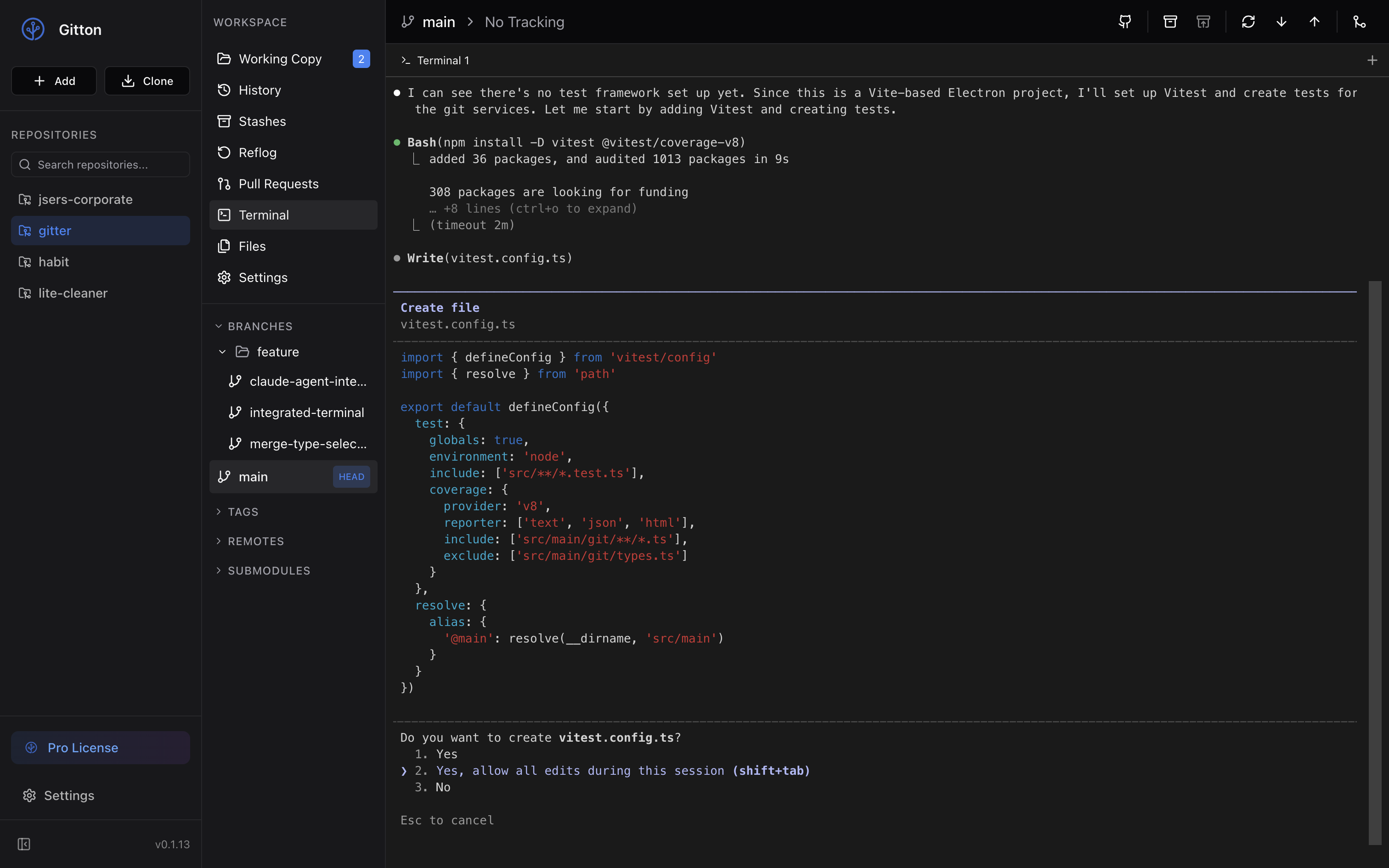
Instructing Claude from PR and File List Comments
During code reviews and refactoring, you often want to give specific instructions about particular code sections. With Claude Code, you can give precise instructions while referencing comments from PRs and file code lines.
1. Add Comments on PRs or File Lists
First, add comments to the sections you want to modify in GitHub Pull Requests or file listings.
- For PRs: Add inline comments while reviewing code in the Files tab
- For file listings: Open the target file and click on line numbers to add comments
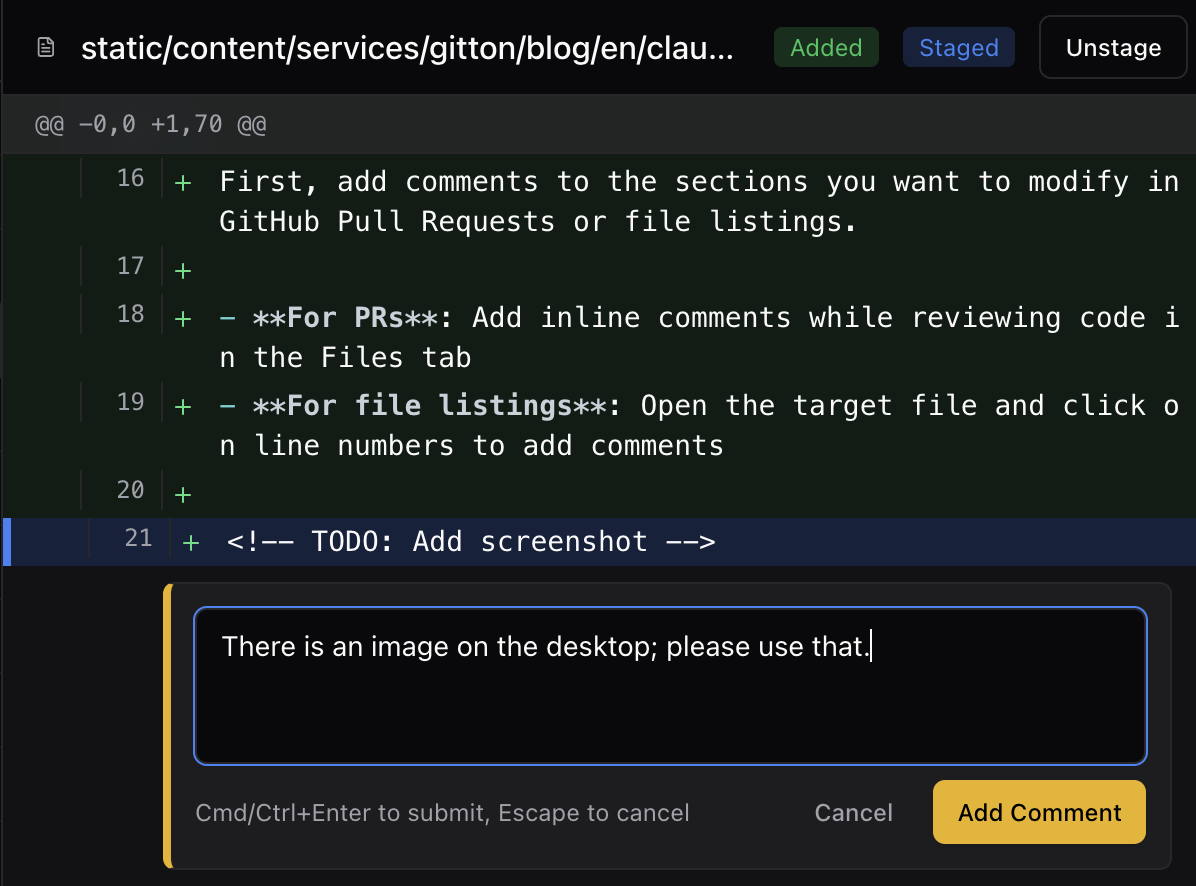 Adding a comment in Gitton
2. Copy Comments with Line Information
When you copy the commented section, the system automatically includes line numbers.
Copying automatically formats it like this:
src/components/Header.tsx:42-48
// TODO: Extract this logic into a custom hook
// Consider memoization for performance improvement
Since line numbers are automatically included, Claude can accurately understand which file and position to modify.
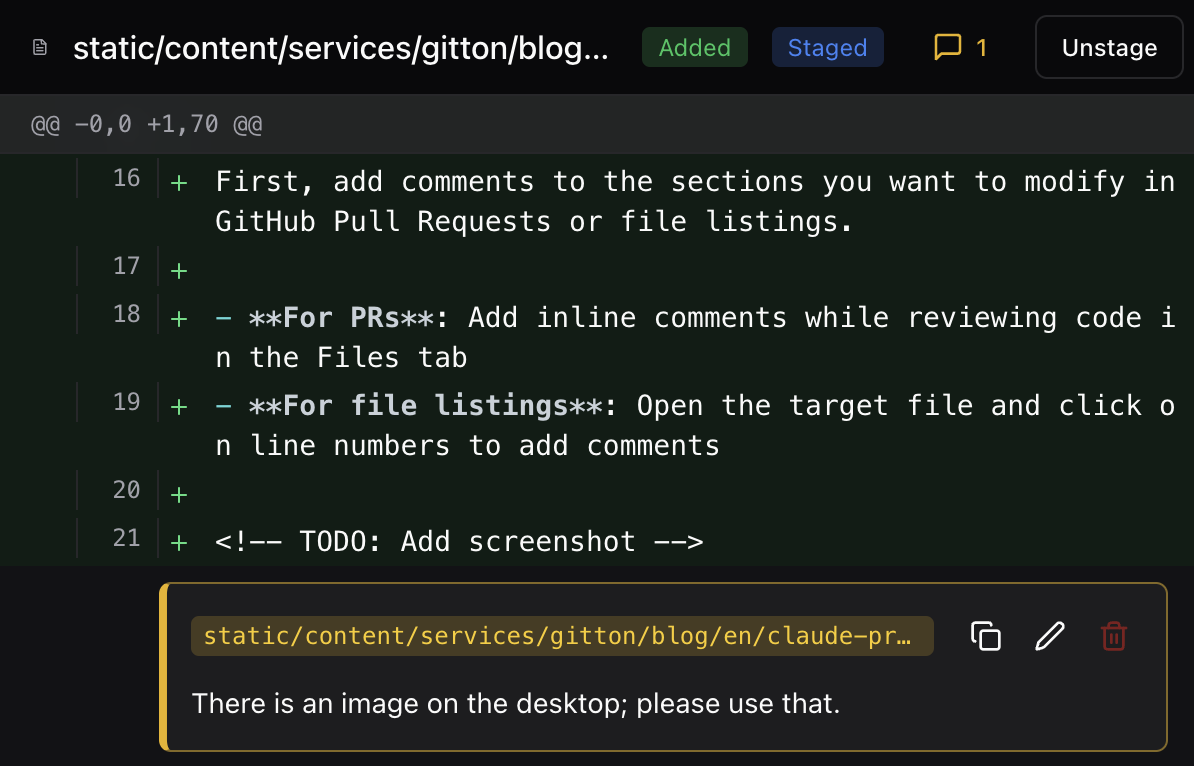 Comment added with file path
3. Launch Claude Code in Terminal Tab
Open a terminal tab and launch Claude Code with the claude command.
claude
Launch from the project root directory so Claude can understand the full project context.
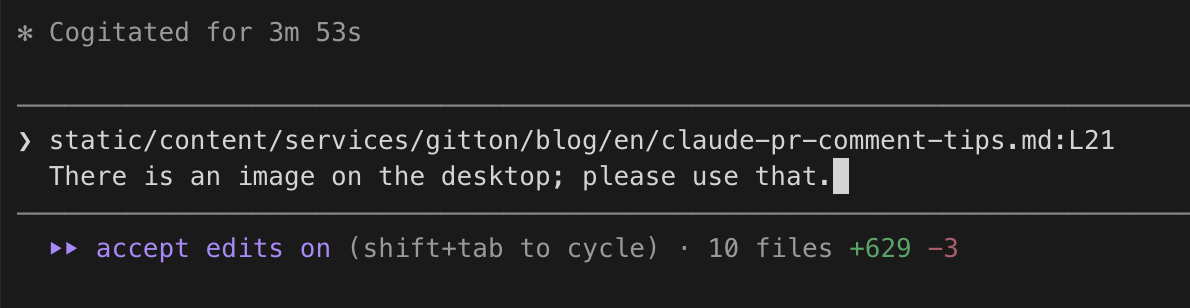 Claude Code receiving the instruction
4. Paste Copied Content and Give Instructions
Once Claude Code is running, paste the line information and comments, then add your instructions.
Instruction example:
Regarding this code at src/components/Header.tsx:42-48:
// TODO: Extract this logic into a custom hook
// Consider memoization for performance improvement

Please refactor according to the TODO comments above.
Create a custom hook called useHeaderState and memoize it with useMemo.
Key Points
- Line numbers are automatic: Just copy and it formats as
filepath:linenumber, giving Claude the exact location - Add context: Clearly describe the intent and expected behavior
- Launch from project root: Enable Claude to understand the entire codebase
By using this method, you can quickly implement feedback from code reviews.